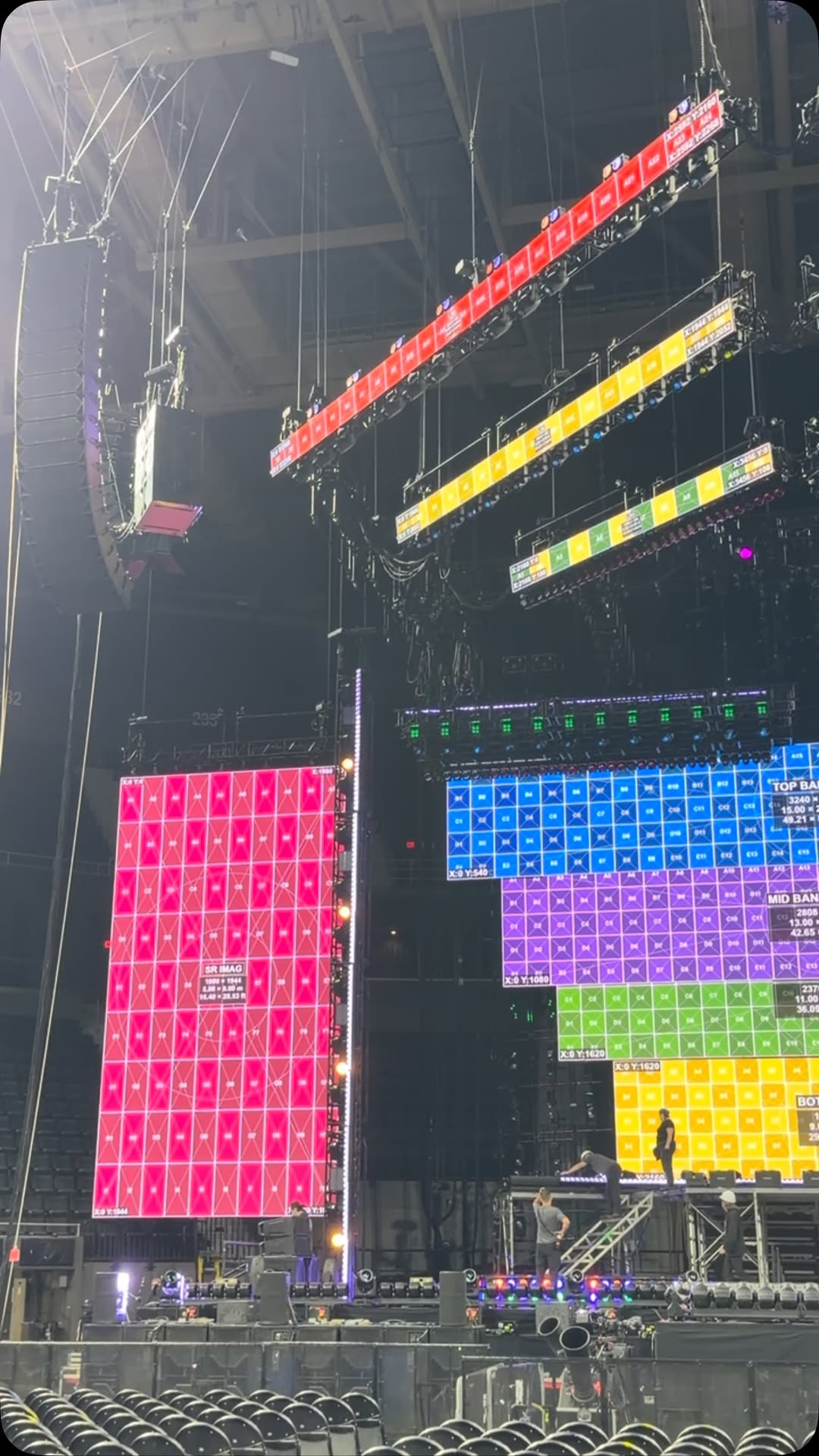
Multi-Screen Canvas
Create multiple LED screens in one project, position them precisely and keep the entire composition organized on a single canvas.
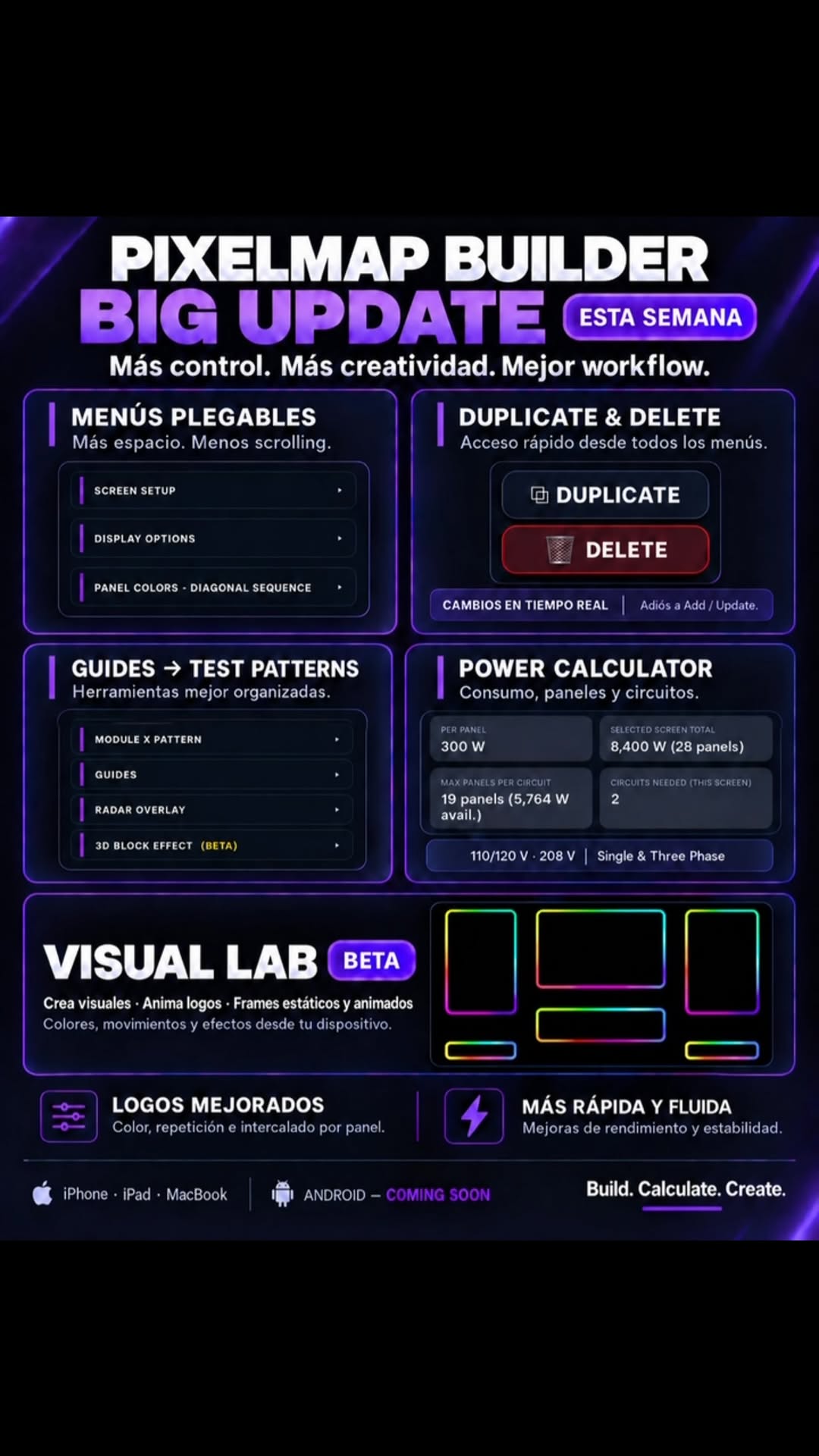
Pixelmap Builder is a professional tool for creating, arranging and exporting LED screen layouts directly from your device — with precision, speed and a workflow designed around real show-site needs.
Available now for iPhone, iPad & Mac ↗ PMB
PMB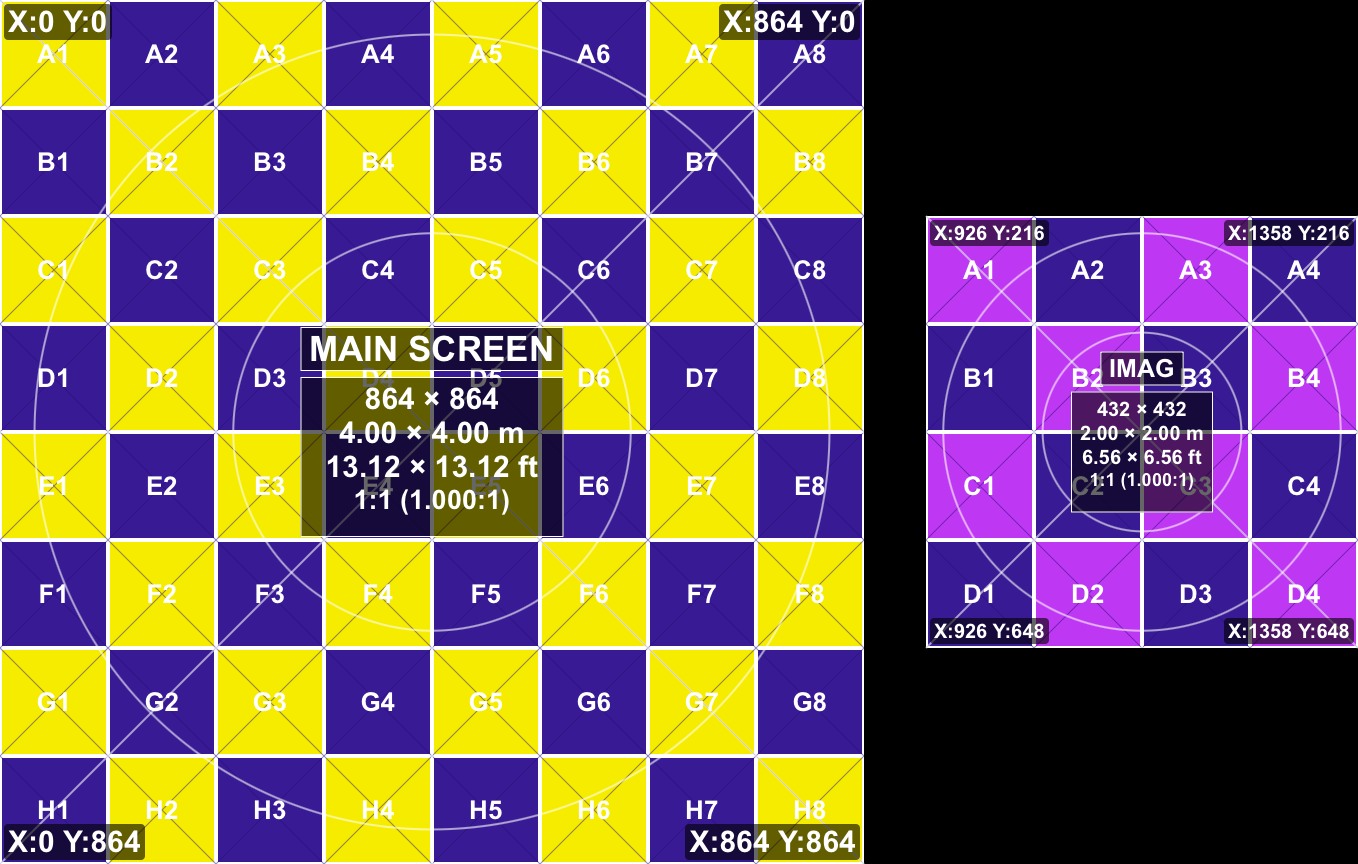
Create multiple LED screens in one project, position them precisely and keep the entire composition organized on a single canvas.
See exact coordinates while moving screens. Keep placement accurate and prevent overlap or lost pixels.
Align screens quickly with magnetic snapping for edges, corners and neighboring layouts.
Pulse, sweep, trail and filled-wave radar effects help you visually verify orientation and mapping across an LED system.
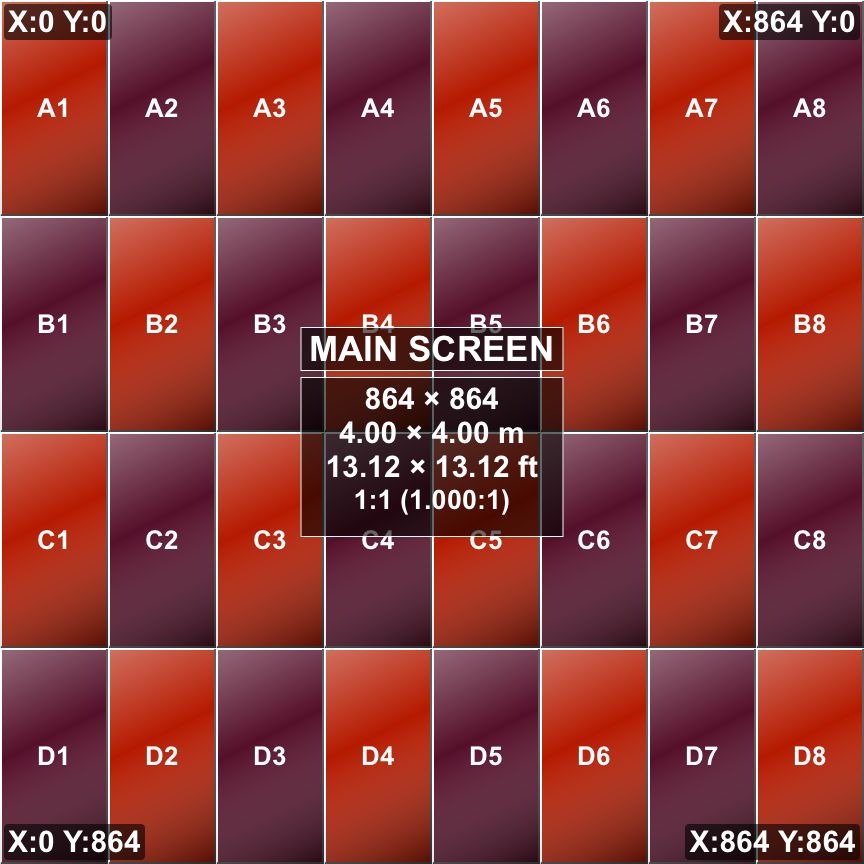
Place and scale logos inside individual screens while keeping screen names, resolution and coordinate information readable above them.
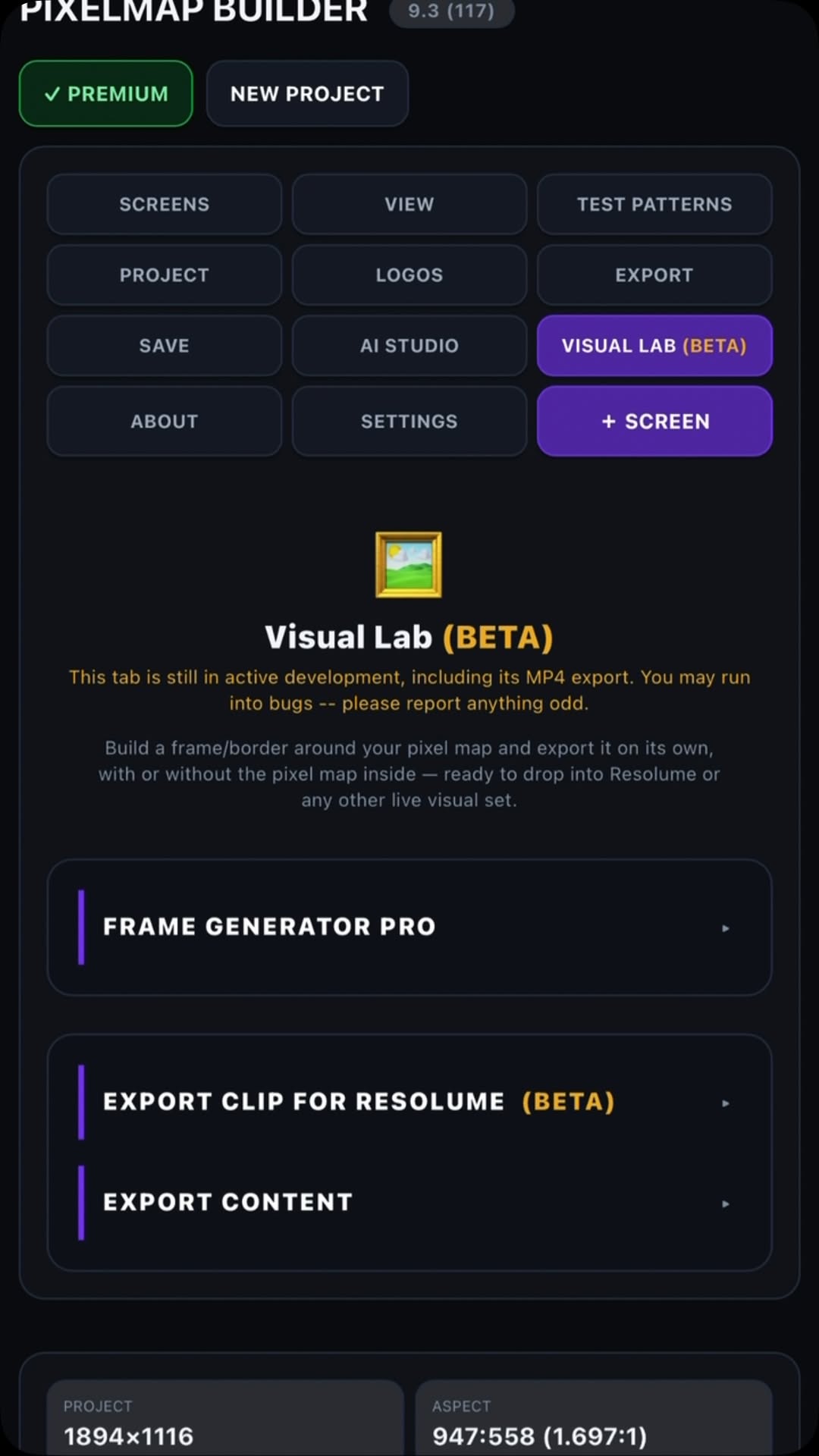
Export static pixel maps and project data, plus animated pixel-map video for playback and testing in media-server workflows.
Turn a static layout into an animated test pattern. Use radar pulses and sweep trails across the full composition, then export the animation as one video file for playback in your video workflow.
 RADAR OVERLAY
Set the project resolution and add your LED screens.
Move, snap and align each screen with live coordinates.
Add labels, measurements, colors, logos, guides and test patterns.
Generate the file you need for documentation, sharing or playback.
Pixelmap Builder is available now for iPhone, iPad and Mac on the Apple App Store. Visual Lab is in beta. Windows and Android are coming soon.